

How to Set Up Dual Monitors: The Complete Guide to Doubling Your Screen Real Estate
There's a moment—usually about five minutes after setting up dual monitors—when you wonder how you ever worked on a single screen. Suddenly you can have...

There's a moment—usually about five minutes after setting up dual monitors—when you wonder how you ever worked on a single screen. Suddenly you can have...
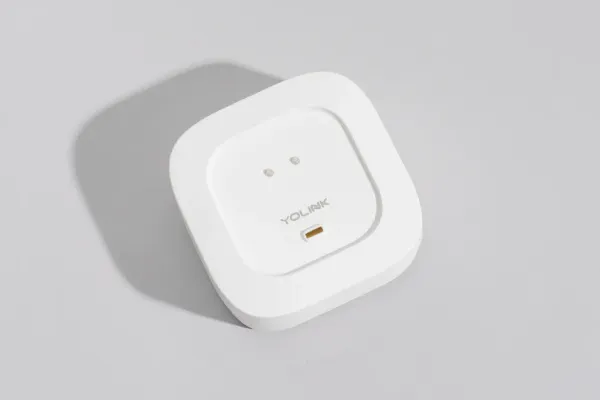
Water damage is the most common homeowner insurance claim, averaging $12,000 per incident. A slow leak under your sink or behind your washing machine can go unnoticed for weeks, destroying floors, walls, and creating mold.

Here's a sobering thought: the air inside your home is often 2-5 times more polluted than the air outside. We spend roughly 90% of our time indoors,...

Your built-in laptop webcam makes you look like you're broadcasting from a potato. Grainy video, washed-out colors, and that unflattering angle from...

You don't need to spend $500+ for a great 4K work monitor. The budget segment has gotten surprisingly good—accurate colors, USB-C connectivity, and crisp text that makes spreadsheets and documents a pleasure to read.
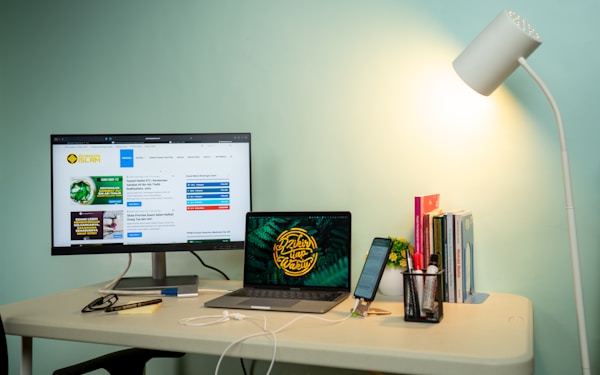
Working from home isn't a temporary arrangement anymore—it's how millions of Canadians work every day. But there's a massive difference between "working from the kitchen table" and having a proper home office setup. The right workspace makes you more productive, more comfortable, and less likely ...

Most smart doorbells require your phone to see who's at the door. That works fine when your phone is in your pocket—but what about when it's charging upstairs, or when your elderly parents don't use smartphones? A doorbell camera with a dedicated indoor monitor solves this. Press the doorbell, th...

A Thunderbolt 4 dock turns your MacBook Pro into a desktop workstation with a single cable. Plug in one Thunderbolt cable and you get: dual monitors, ethernet, USB-A ports for peripherals, SD card reader, audio jack, and up to 96W of charging power. Unplug that one cable and you're mobile again.

USB-C monitors are the cleanest way to connect a MacBook to an external display. One cable handles video output, charges your MacBook, and connects USB peripherals through the monitor's hub. No dongles, no adapters, no cable mess.

Your iPhone camera is dramatically better than any built-in laptop webcam. The difference is night and day—sharper image, better low-light performance, more natural colours, and wider dynamic range. Apple made it easy to use your iPhone as a Mac webcam with Continuity Camera, and there are option...