

How to Set Up Mesh WiFi: Eliminate Dead Zones Forever
If you've ever stood in a specific corner of your house just to get a decent WiFi signal, you know the frustration of dead zones. Traditional routers...

If you've ever stood in a specific corner of your house just to get a decent WiFi signal, you know the frustration of dead zones. Traditional routers...

Smart lighting is the gateway to home automation, and WiFi light bulbs are the easiest way to start. No hub required, no complicated setup—just screw in a...

The networking aisle is confusing. Traditional routers, mesh systems, range extenders—they all promise better WiFi, but which one do you actually need?

That one room where WiFi goes to die. The backyard where streaming buffers endlessly. The home office that's just far enough from the router to be frustrating.

WiFi 6 (802.11ax) isn't just marketing hype—it's a genuine leap forward in wireless networking. If you're still running an older router and wondering why...

A factory reset wipes your iPhone completely—apps, photos, settings, everything. It returns the device to the same state it was in when it left the factory.

You lost the remote. Or the batteries died. Or the IR sensor is broken. Whatever the reason, you're staring at a smart TV that won't connect to WiFi because you can't navigate the settings menu.

Screen recording on iPhone is built right in—no apps needed. Whether you're creating tutorials, saving video calls, documenting bugs, or capturing gameplay,...
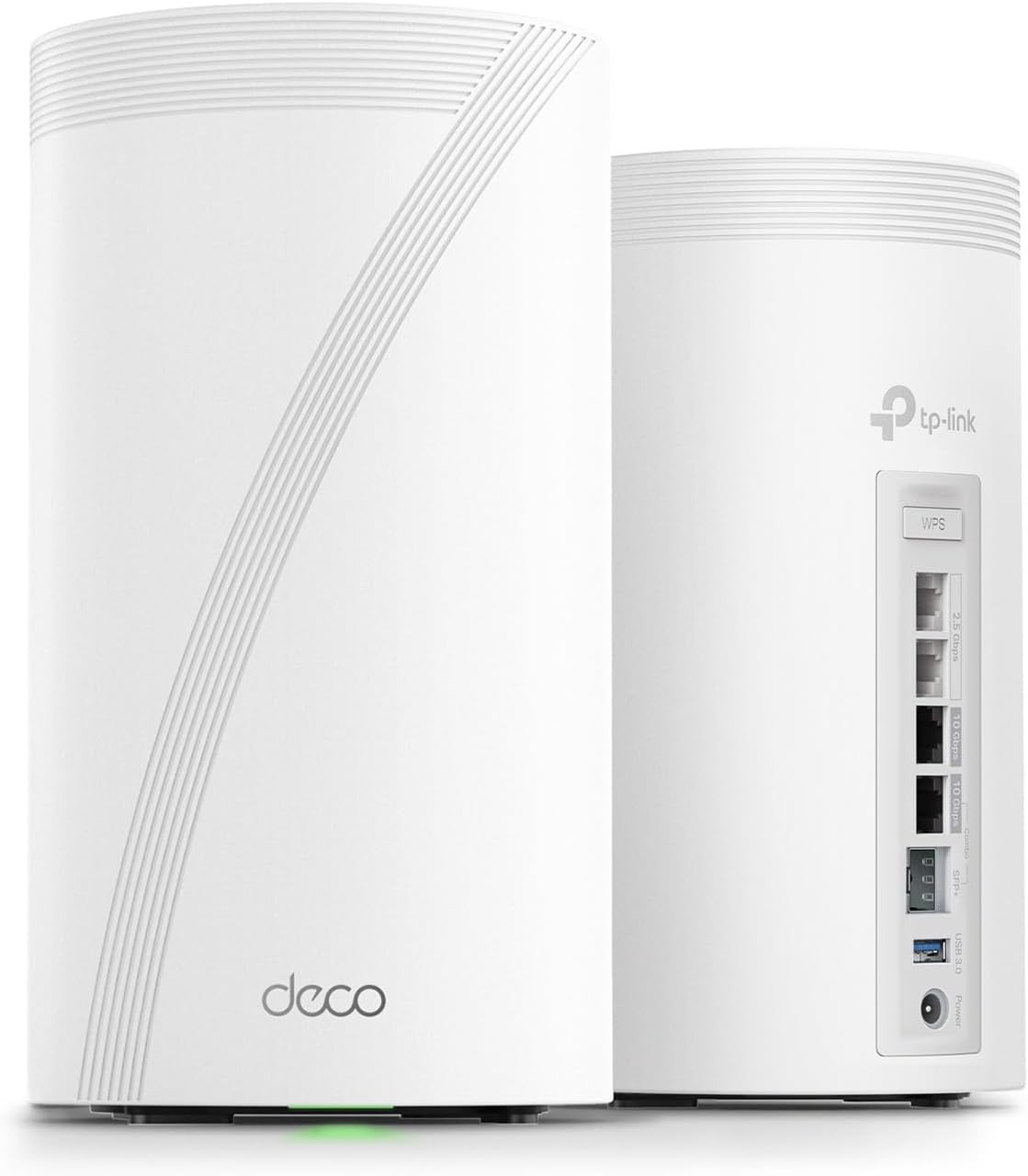
Thick walls kill WiFi. Concrete, brick, stone, plaster with metal lath—these materials absorb and reflect wireless signals like nothing else. If you live in an older Canadian home with plaster walls, a concrete basement, or a brick heritage building, you know the frustration. Full bars in the liv...

Apple's ecosystem is designed to work together seamlessly. Your iPhone and MacBook can share files, calls, messages, clipboards, and more—often without any...

Every smart home device connects through some wireless protocol. The two most common are WiFi and Zigbee—and they take fundamentally different approaches to keeping your home connected.

Getting a new iPhone is exciting—until you realize you need to move everything from your old one. Photos, apps, messages, settings, passwords... it can feel...